Splid alternative for groups where not everyone will install an app
A Splid alternative that friends open from a link in the browser, what Splid does better, and how it compares with Splitwise and other apps like Splid.
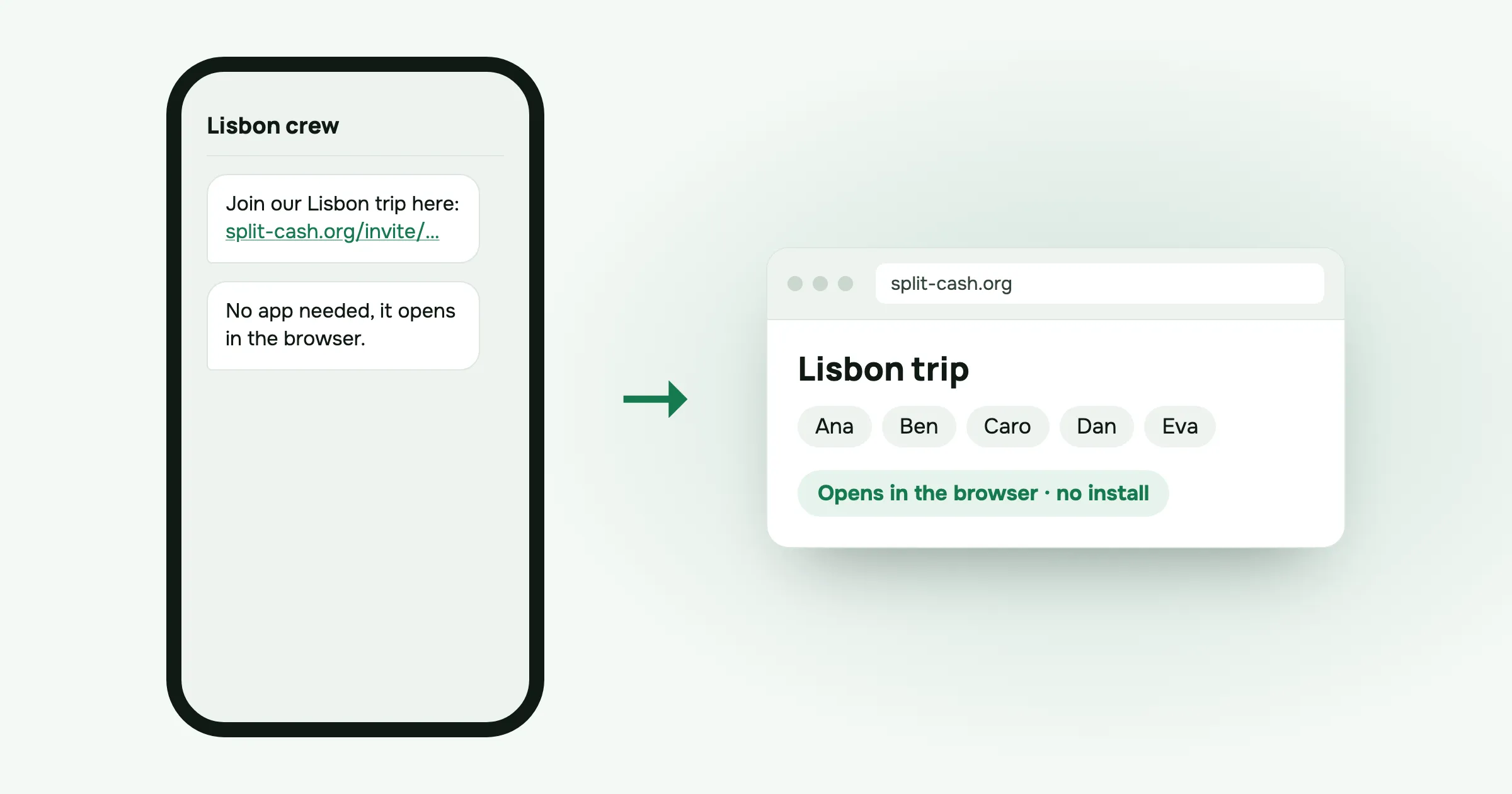
Every group has one. You set up the trip, add the first few costs, send the group link, and one friend replies: “I’m not downloading another app, just tell me what I owe.” Two weeks later you’re still the person typing everyone’s balances into the group chat.
If your group uses Splid and that friend is the problem, this post is for you. Splid looks like a good app. The question is whether everyone in your group will actually use it.
What Splid does well
I’ll start with what Splid has that split-cash doesn’t, because it’s a real list. According to its App Store listing:
- 150+ currencies with automatic conversion. If your trip crosses borders, one group can handle all of it.
- Offline groups. You can add costs without a connection, which matters on a boat, a mountain or a roaming plan that ran out.
- PDF or Excel summaries at the end. Excel export is an in-app purchase.
- Free to start. The app is free with in-app purchases: Splid Plus at 3.99 dollars and 2 Groups at 2.99 dollars. The developer is Nicolas Jersch.
The listing describes an iOS app. I couldn’t confirm from it whether Splid has ads, what the Android version offers, or whether there’s a web version. If any of those matter to you, check Splid’s own pages before you decide.
Stick with Splid if your group travels across currencies, you often add costs with no signal, and everyone is happy to install it.
When the problem is installing anything
A group expense app only works if everyone uses it. When one person won’t install it, the rest of the group ends up working around them:
- Someone adds their costs for them and forgets half.
- They don’t see what they owe until you send a screenshot.
- At the end, you explain the settle-up plan by message, and they pay the wrong person.
Some friends don’t have space on their phone. Some just don’t want another account for one weekend. Either way, asking twice rarely works.
split-cash runs from a link
I built split-cash so that the friend who won’t install anything can still take part. It runs in the browser.
- You make a group and add the people coming. You can add friends by name before they sign up, so their costs can go in from day one.
- You send the invite link to the group chat.
- They tap it and the group opens in their phone’s browser. When they join, the costs already recorded for them are waiting.
There’s no app store step. If someone wants it to feel like an app, they can add it to the home screen. Nobody has to.
The rest of the group gets the same thing as you:
- Four ways to split: equally, by exact amounts, by percent or by shares, with decimals allowed. Untick anyone who wasn’t part of a cost.
- Settle up in the fewest transfers. Mark each one as paid, including partial payments.
- How to pay me. Add your IBAN, PayPal link or phone number once, and people who owe you see it next to the transfer.
- Remind opens your phone’s share menu with the amount and a link, so you can nudge someone in the chat they already use.
- Receipt photos, CSV export of every group, six languages, and archiving for finished trips.
It’s free, with no ads, no paid plan and no limits. Hosting costs me about five dollars a month and I pay it.
What split-cash doesn’t do
Be clear about this before you move a group:
- One currency per group, no conversion. If you need costs in several currencies in one group, Splid’s listing says it does that, and split-cash doesn’t. A workaround is to convert the odd cost yourself when you add it.
- No real offline use. split-cash shows the latest data you’ve loaded when you lose signal, but adding a cost needs a connection. If you’re sailing for a week, that’s a real limit.
- No receipt scanning. You can attach a photo, but you type the amount.
- No bank connection.
Splid vs Splitwise
People searching for Splid alternatives often have Splitwise in mind too. Here’s how they compare, using only what each company publishes.
| Splid | Splitwise | |
|---|---|---|
| Price | Free, in-app purchases from 2.99 | Free plan, Pro from 2.99 to 39.99 (US App Store) |
| Ads | Not confirmed | Yes on free, Pro removes them |
| Daily expense limit | Not confirmed | Yes on free, users report about four a day |
| Currency conversion | Yes, 150+ currencies | With Pro |
| Offline groups | Yes | Not confirmed |
| Receipt scanning | Not confirmed | With Pro |
| Export | PDF or Excel, Excel via purchase | Not confirmed |
“Not confirmed” means I couldn’t check it on the company’s own page or listing.
On the free versions, the clearest difference is Splitwise’s daily limit. Splitwise’s Pro page lists removing it as a Pro feature, and on a busy trip day you can reach it quickly. I wrote more about that in Splitwise daily limit.
Other apps like Splid
A few more, briefly:
- Tricount says it’s free with no ads and no limits, with currency conversion, iOS and Android apps, and offline use. CSV and PDF export were removed when its Premium plan ended. More in Splitwise vs Tricount.
- Settle Up’s App Store listing includes multi-currency, offline use and group links that open in a browser. The listing says it contains ads, which Premium removes.
- Spliit says it’s free, with no ads and no account needed, and it’s open source. It runs on the web, and there’s an iPhone app.
- Kittysplit’s free plan needs no sign-up and covers up to 9 people in one currency. Its Super Kitty upgrade is 2.99 euros once per group.
How to choose
- Will everyone install an app? If not, pick something that works from a link in the browser: split-cash, Spliit, or Settle Up’s group links.
- Do you need several currencies in one group? Splid, Tricount or Settle Up per their listings, or Splitwise with Pro.
- Will you be adding costs with no signal? Pick an app with offline groups, such as Splid.
- Do you want no ads and nothing to buy? split-cash, Spliit or Tricount.
Questions people ask
Is Splid free? According to its App Store listing, Splid is free with in-app purchases. The listing shows Splid Plus at 3.99 dollars and 2 Groups at 2.99 dollars, and Excel export is an in-app purchase.
What are some apps like Splid? Splitwise, Tricount, Settle Up, Spliit, Kittysplit and split-cash all split group costs. They differ in price, ads, currencies and whether friends need to install anything. split-cash and Spliit run in the browser.
What is the difference between Splid and Splitwise? Splid’s listing describes a free iOS app with in-app purchases, automatic conversion across 150+ currencies and offline groups. Splitwise’s free plan has a daily expense limit and ads, and Splitwise Pro removes both and adds currency conversion.
Does split-cash work offline or convert currencies like Splid? No. split-cash shows the latest data you’ve loaded when you’re offline, but adding costs needs a connection. Each group has one currency, with no conversion. If you need either, Splid’s listing says it has both.
Got a friend who won’t install anything? Make a group in split-cash and send them the link. It’s free, with no ads.
 Sabir Shaykhlislamov Built split-cash