Tricount alternative: free, with CSV export and custom splits
What Tricount removed when bunq ended Premium, and how to pick a free Tricount alternative that still exports your data and splits unevenly.
Tricount has been the default way to split trip costs in much of Europe for years. It’s simple, it’s free, and friends can join a group from a link. Since the bank bunq bought it in 2022, it has changed, and the latest version removed features people relied on.
If you’re looking for a Tricount alternative, here’s what changed, what to look for instead, and how to move your group.
What changed in Tricount
Tricount used to have a paid Premium plan. With the new version of the app, Premium was discontinued, and its features weren’t made free. According to Tricount’s own help centre, these are no longer available:
- Export to CSV and PDF
- Personal mode
- Statistics
- Saving custom splits
Tricount says statistics and custom splits are planned for a future update. For now, if you want your data as a file, the help centre suggests contacting support.
For a group that splits everything equally and never needs a spreadsheet, none of this matters. For anyone who used export to keep records, or saved splits for uneven costs, it does.
What to look for in an alternative
Export. Your group’s history should leave the app when you want it to. A CSV file opens in Excel, Numbers and Google Sheets.
Uneven splits. Trips are full of costs that aren’t split equally. Someone doesn’t drink, someone had the bigger room, someone skipped the boat trip. An app should handle exact amounts, percentages and shares without a paid plan.
Settle up in few transfers. At the end, the app should net everything out and tell each person whom to pay and how much, in as few transfers as possible.
No ads, no daily limits. Some free plans cap how many expenses you can add a day, or fill the screen with ads. On a busy trip day, both get in the way.
Easy for friends to join. This is what Tricount gets right. The friend who never installs anything shouldn’t hold up the group.
Currencies. Tricount handles several currencies in one group. If you travel across currencies a lot, check this before switching.
split-cash as a Tricount alternative
I built split-cash for my own trips, and it covers most of the list above:
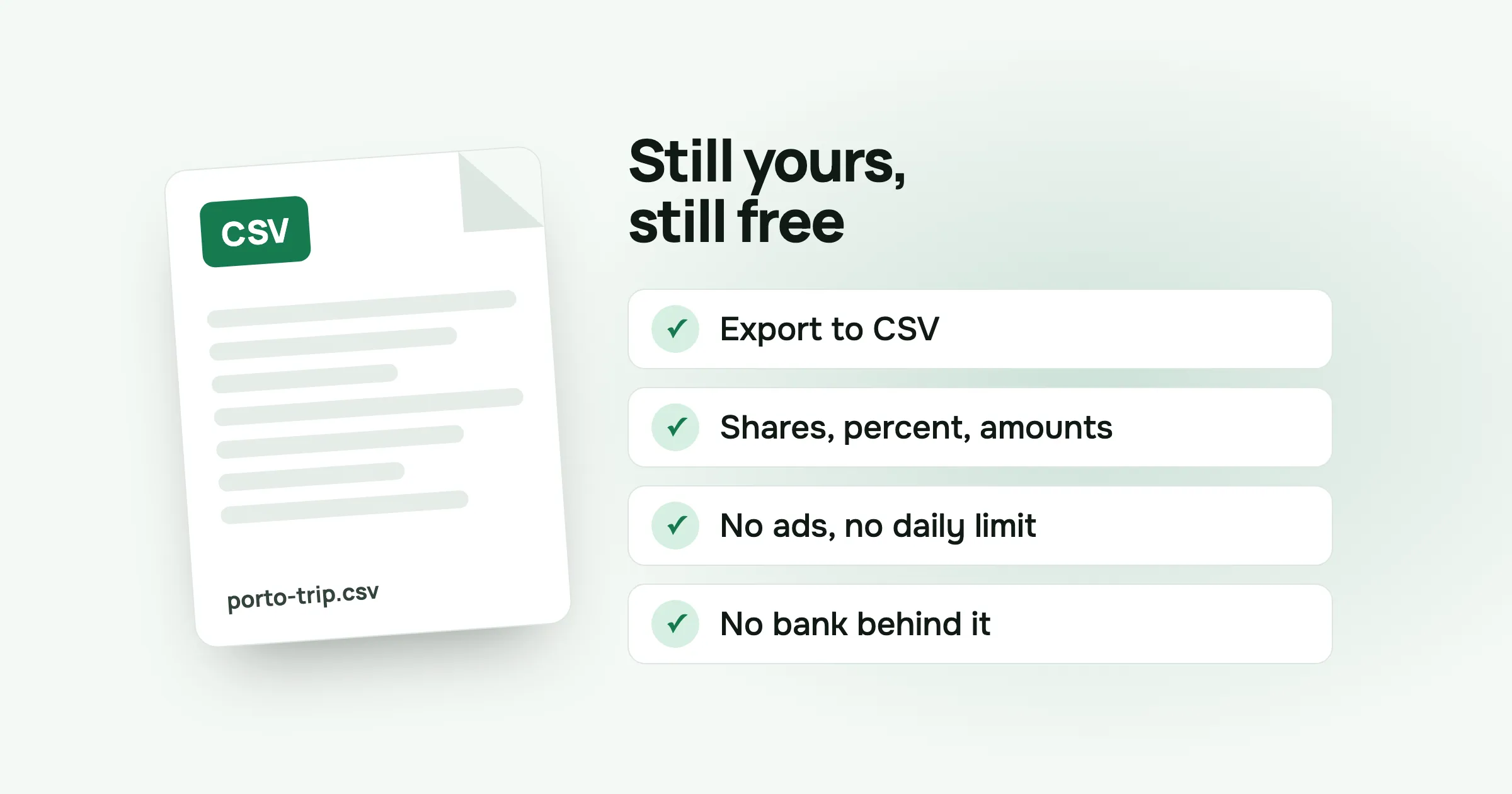
- Free, with no ads and no limits. There’s no paid plan at all. Hosting costs me about five dollars a month.
- CSV export. Every expense and payment, each person’s share, and a balance row at the bottom. One tap from the group screen.
- Four ways to split. Equally, by exact amounts, by percent or by shares. You can untick people who weren’t part of a cost.
- Fewest transfers. Settle up shows the plan, with your own payments first. Mark each one as paid, including partial payments.
- Friends join from a link. You can add friends by name before they sign up, and their costs are waiting when they join. It runs in the browser and can be added to the home screen, so nobody needs an app store.
- Receipt photos, and six languages.
What it doesn’t do:
- One currency per group. If a trip spans two currencies, convert the odd cost when you add it, or keep a group per currency.
- No bank connection. split-cash doesn’t link to any bank account. Some people see that as a plus.
How to move a group from Tricount
There’s no import, and for most groups you don’t need one. The clean way:
- Settle what’s open in Tricount. Use its balances and make the transfers.
- Ask support for your data if you want a record. Tricount’s help centre says export is available on request.
- Start the next trip in split-cash. Make a group, send the invite link to the group chat, and add costs as they happen.
If you’re halfway through a trip, keep the old group running until the end and record new costs in the new one. Settle each separately.
Questions people ask
Is Tricount still free? Yes. Tricount is free to use. When its Premium plan was discontinued, the Premium features were not made free. Several of them, including CSV and PDF export, were removed from the app.
Who owns Tricount? The Dutch bank bunq bought Tricount in 2022.
Can you export Tricount to Excel or CSV? Not from the app any more. Tricount’s help centre lists CSV and PDF export among the Premium features that are no longer available.
What is a good free alternative to Tricount? Look for one with no ads, export to CSV, uneven splits and settle-up in few transfers. split-cash does all four for free. If you need many currencies in one group, check that the app supports it, because split-cash keeps one currency per group.
Planning the next trip? Make a group in split-cash and send the link to your friends. It’s free, with no ads.
 Sabir Shaykhlislamov Built split-cash